
LinkedIn and resumes
Turn a casual selfie into a sharp, professional headshot for your LinkedIn, CV or job application.
Upload a selfie and Renvyn turns it into a polished, professional headshot with AI - studio lighting, clean backdrop and business attire, while keeping your face recognizably you.
A real Renvyn headshot in the style you picked - drag to compare
✓ 4 free editsSign in with Google or AppleYour original upload is deleted within 24 hours
Choose a well-lit, front-facing photo where your face is clearly visible. A plain phone selfie works - the clearer your face, the more accurate the result.
Choose a look - studio, corporate, business casual, outdoor, tech or creative. Renvyn restyles the lighting, backdrop and attire into a professional headshot while keeping your face recognizably you.
See the before and after side by side, then download your headshot. One tap sign in with Google or Apple runs your edit for free.
We would rather be honest than oversell. Here is what an AI headshot generator realistically does - and where it has limits.
An AI headshot is a professional restyle of your real selfie - the same person, better presented. It is not a photo taken in a real studio, and we tell you that up front.
Turn a casual selfie into a sharp, professional headshot for your LinkedIn, CV or job application.
Get a clean, consistent profile picture for work profiles, directories and social accounts.
Give everyone on the team a matching, on-brand headshot without booking a photographer.
Produce a polished headshot for a conference bio, a podcast, a byline or a press kit.
Pick a studio, tech or creative look that fits how you want to present yourself online.
A lot of AI headshot tools beautify and reshape until the result looks like a polished stranger. Renvyn keeps your features recognizable and only restyles the lighting, backdrop and attire, so the result is a headshot people who know you would recognize.
Your original selfie is never overwritten, and every headshot is a new image that is private to your account.
Upload a clear selfie, pick a style, and Renvyn restyles it into a professional headshot with AI while keeping your face recognizably you. It is free to try. Sign in with Google or Apple with one tap to run your edit.
Yes, you can make a headshot for free to try it. You sign in once with Google or Apple to run your edit for free, and the Renvyn app gives you more edits.
Yes - Renvyn keeps your face, hair and skin recognizably you and only restyles the lighting, backdrop and attire. It is designed to look like the same person professionally photographed, not a beautified stranger.
Studio, corporate, business casual, outdoor, tech and creative. Each restyles the backdrop, lighting and attire into a different professional look while keeping you recognizably you.
A well-lit, front-facing photo where your face is clearly visible and not blurred or heavily obstructed. A plain phone selfie is perfect - the clearer your face, the more accurate the headshot.
Yes. Your uploads are tied to your account and are not shared or made public, and your original selfie is never overwritten - the headshot is always a new image.
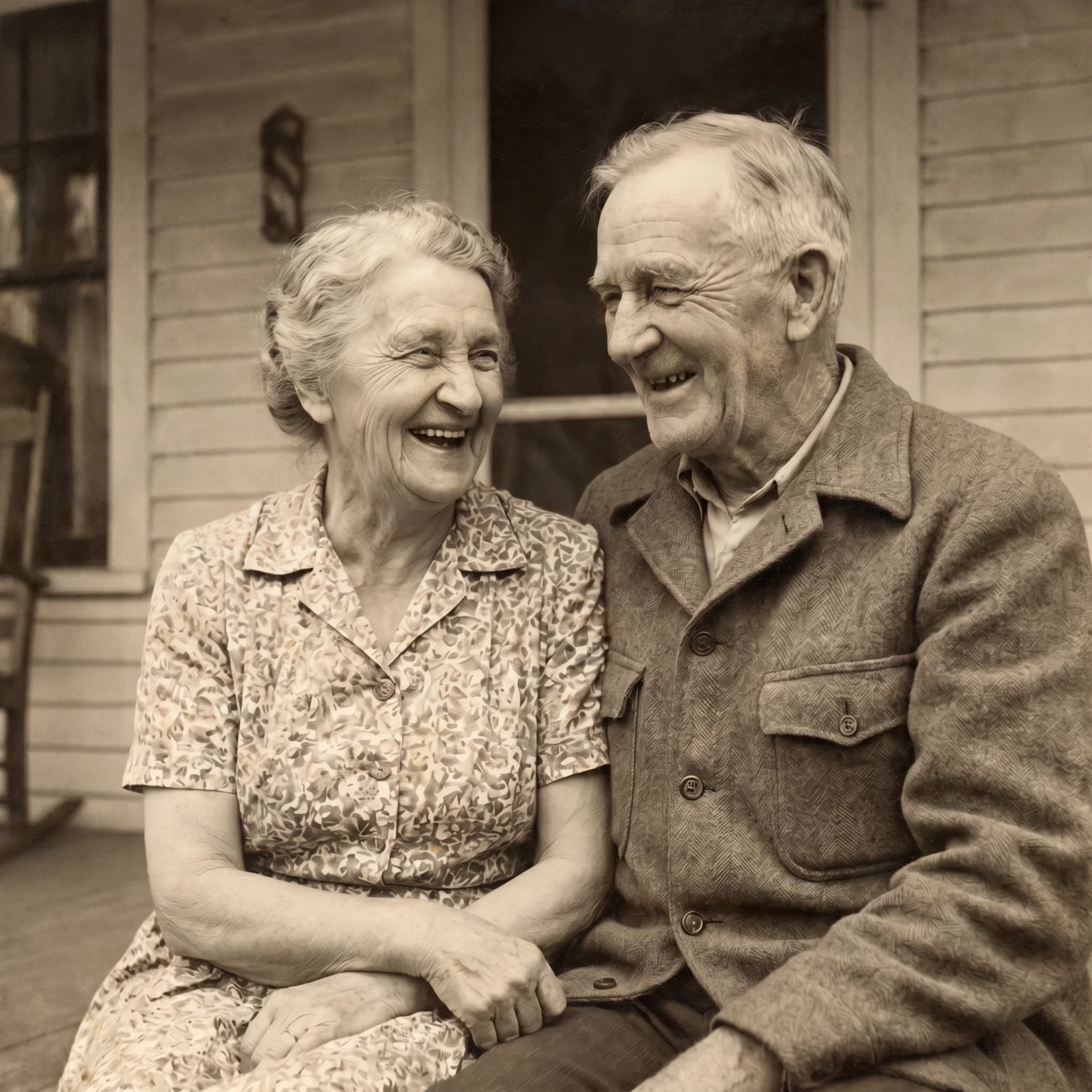
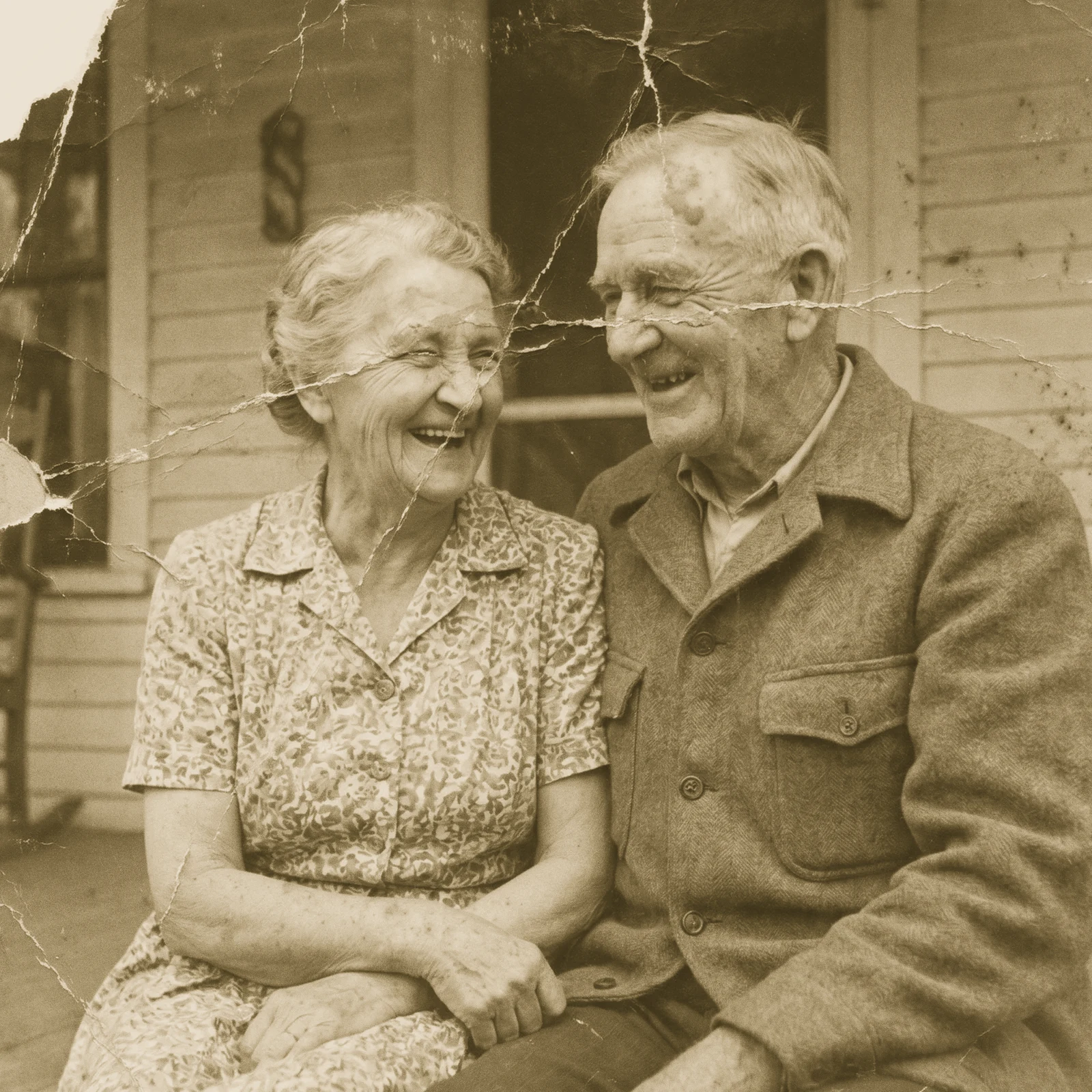 Restore Old PhotosRepair scratches, tears and fading and bring damaged old photos back to life.

 Image UpscalerSharpen and unblur soft or low-quality photos and recover fine detail.
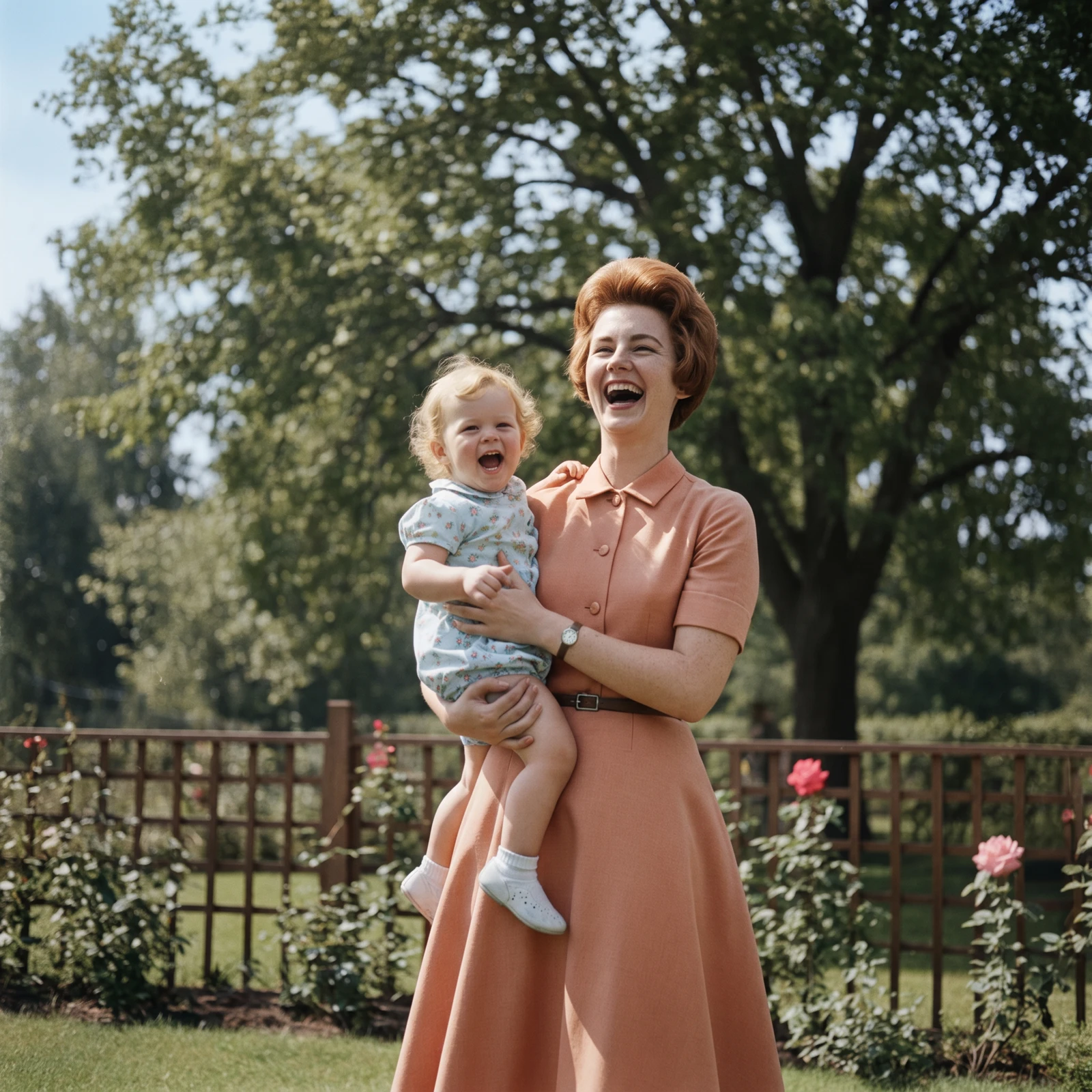
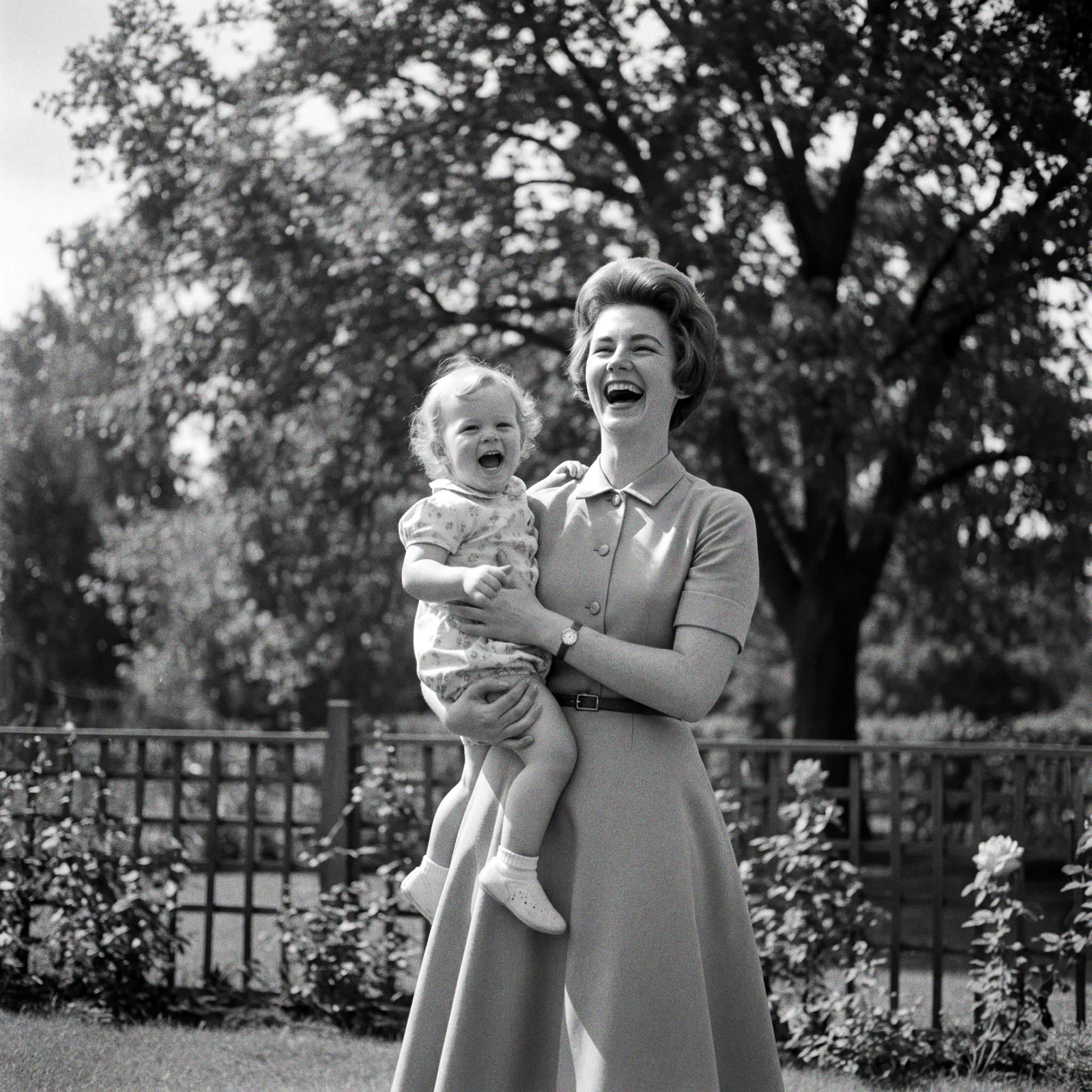 Colorize PhotosAdd realistic, natural color to black and white and faded photos.
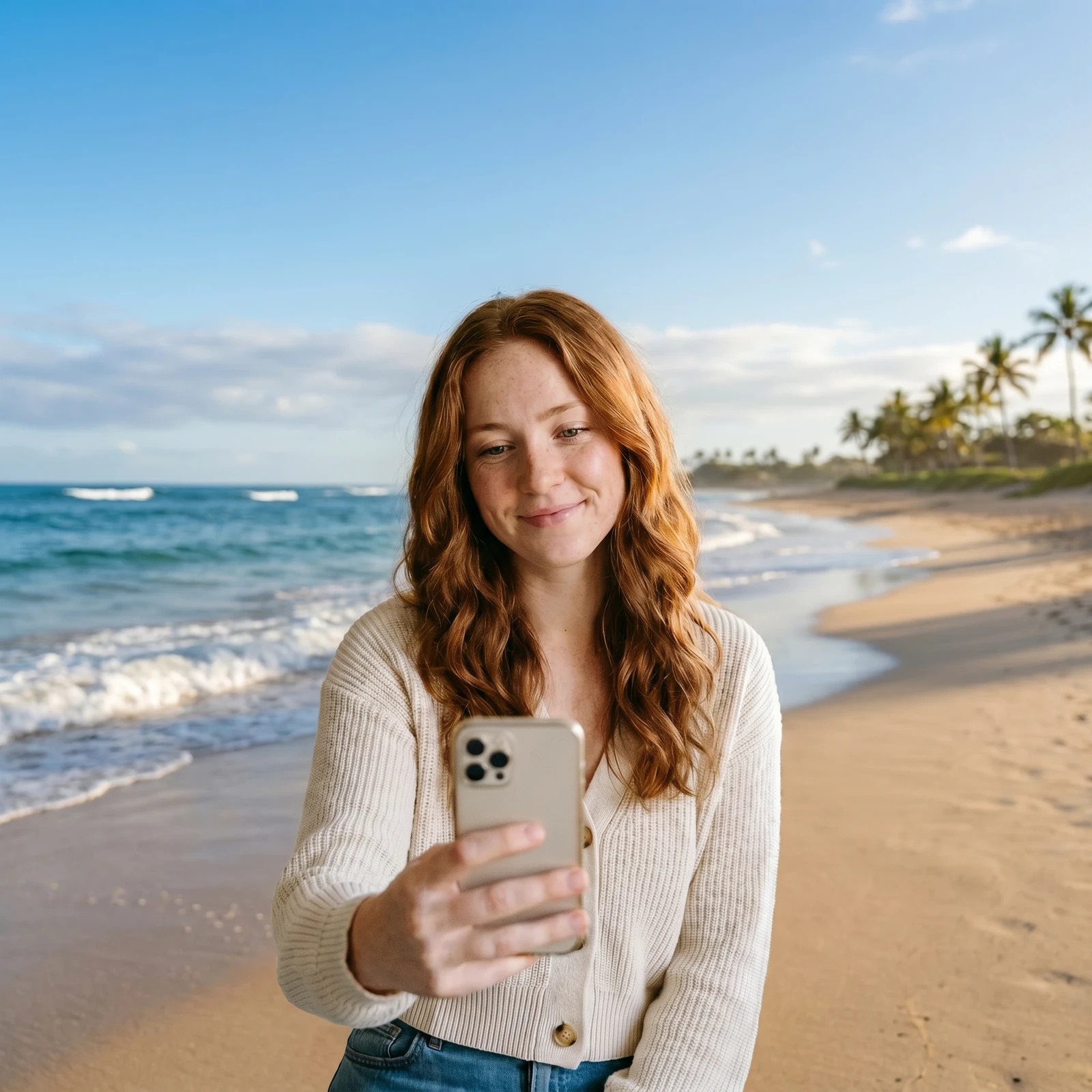
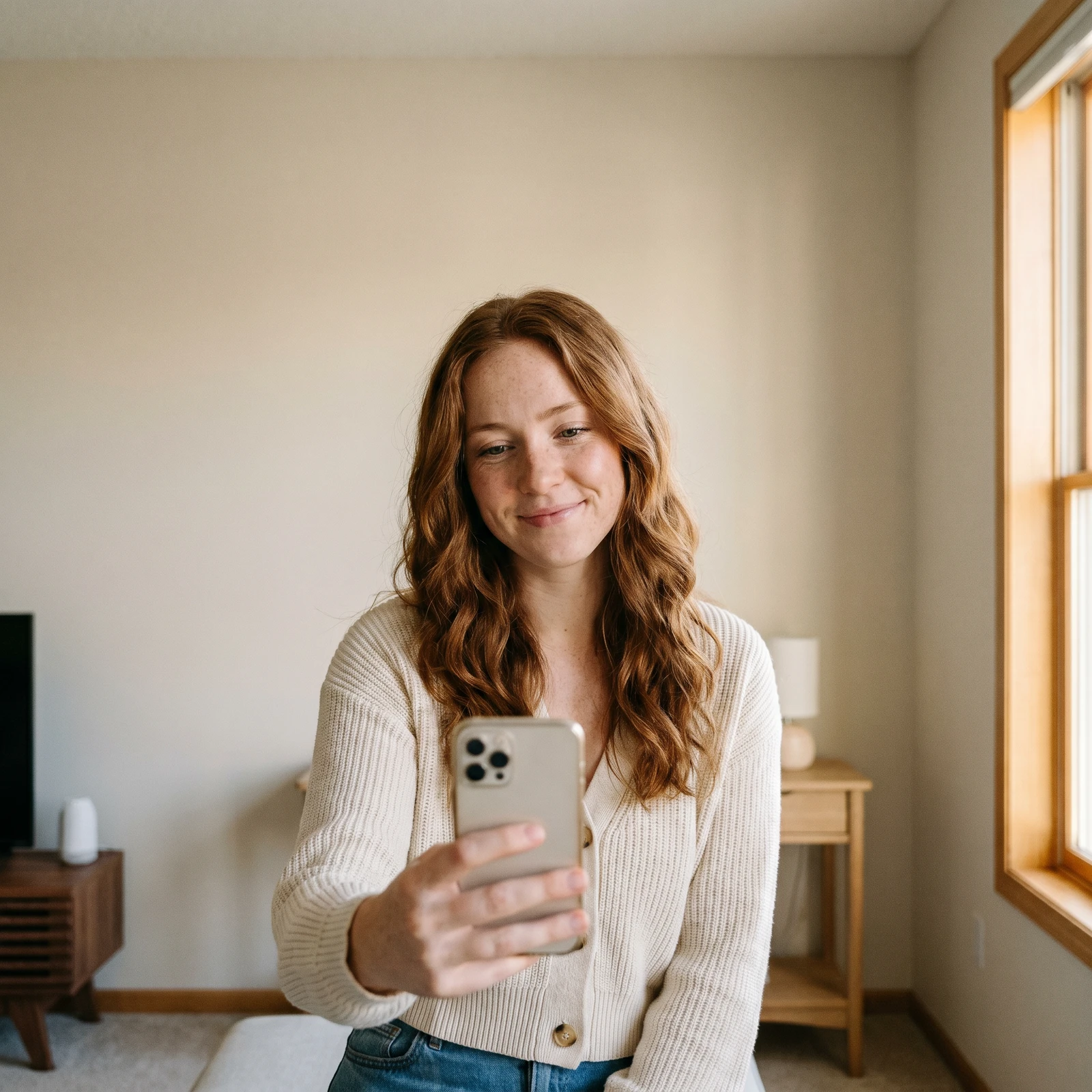 Change BackgroundDrop your subject into a new scene - studio, office, beach or blurred.
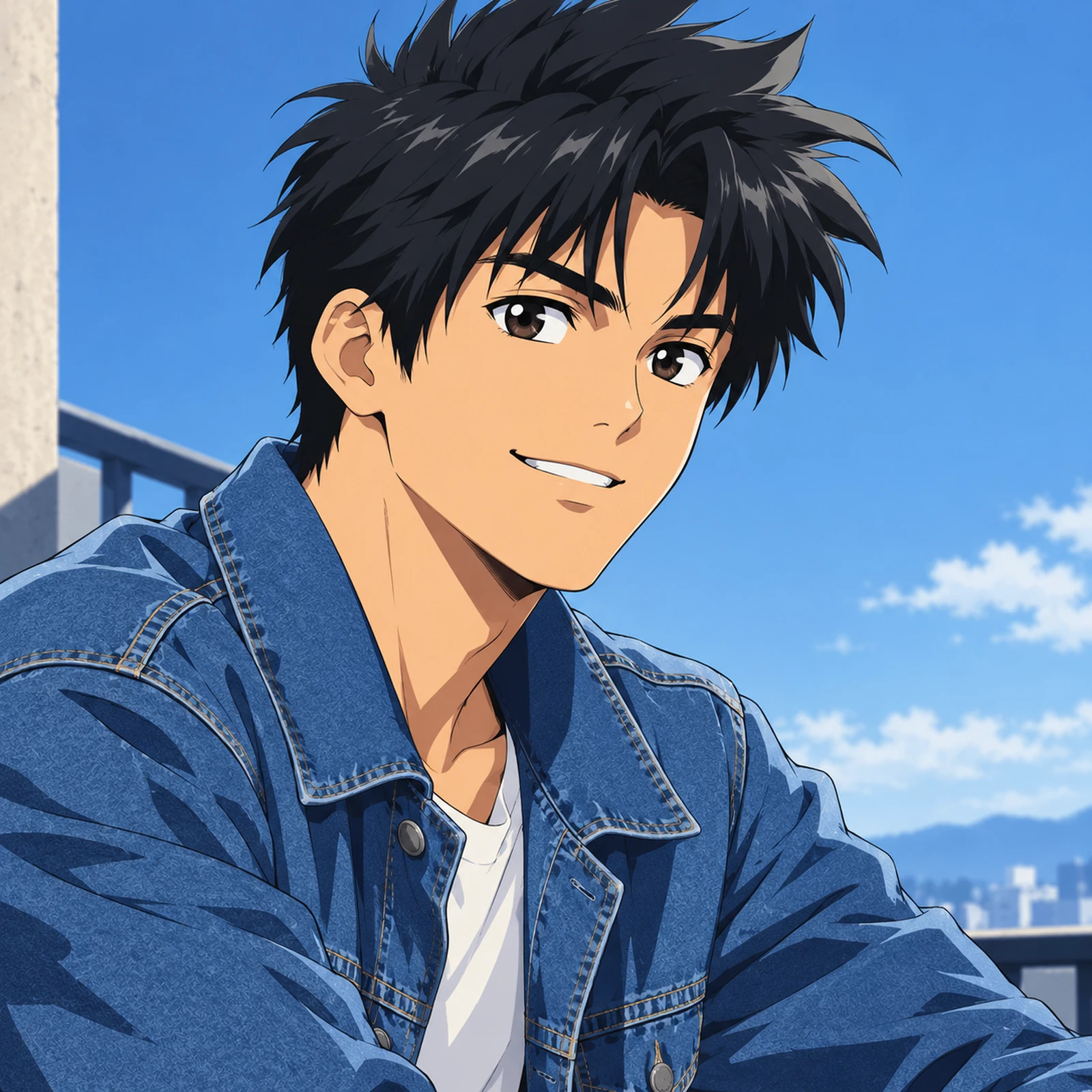
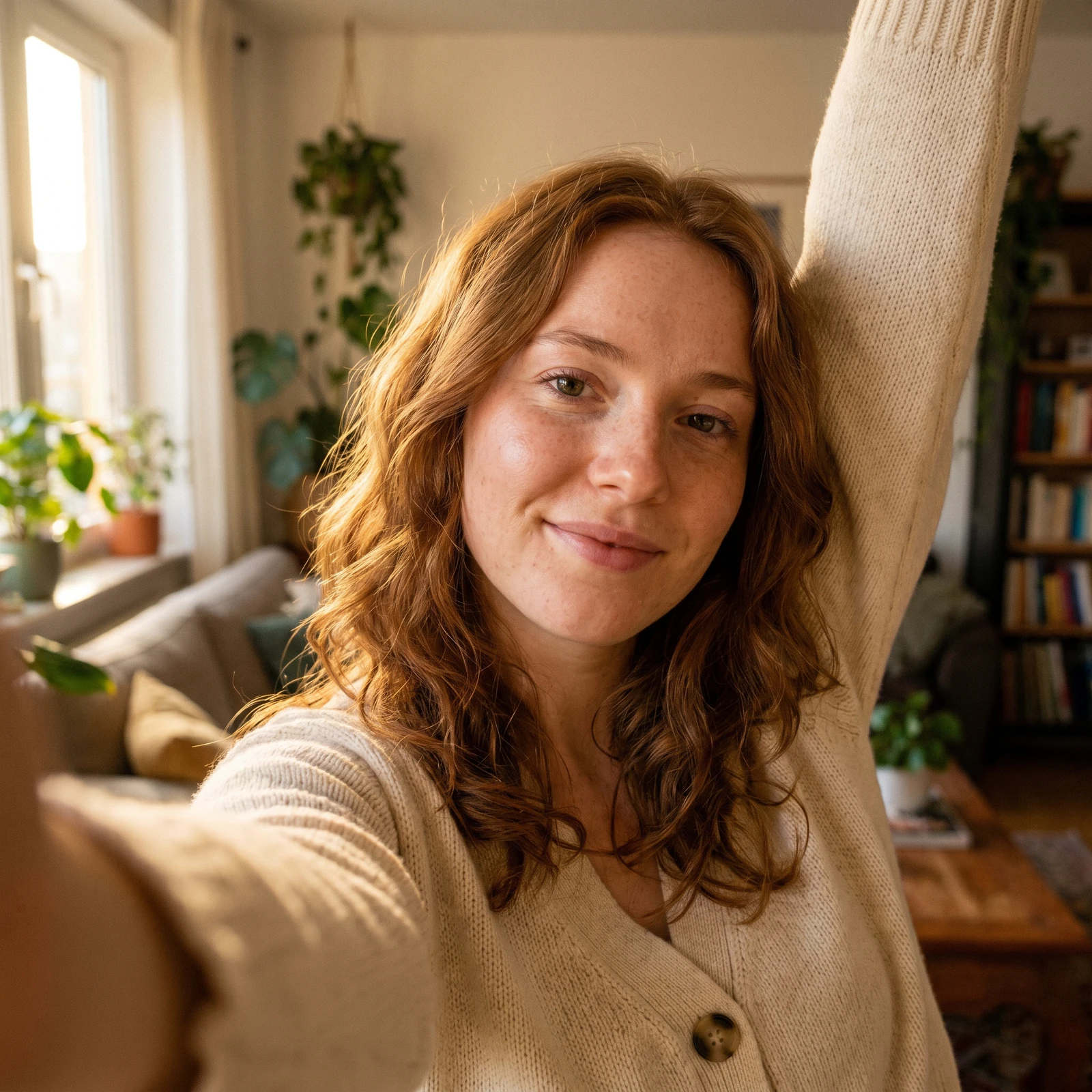 Photo to CartoonTurn your photo into a cartoon - anime, 3D, chibi, watercolor and more.
Generate headshots in every style on your phone. Renvyn is on iOS and Android.