Old family photos
See a grandparent's portrait or a childhood picture in color for the first time, with natural skin tones and true-to-life clothing.

Upload a black and white or faded photo and Renvyn adds realistic, natural color with AI - bringing old family portraits and historic pictures back to life, with believable skin tones and era-true color.
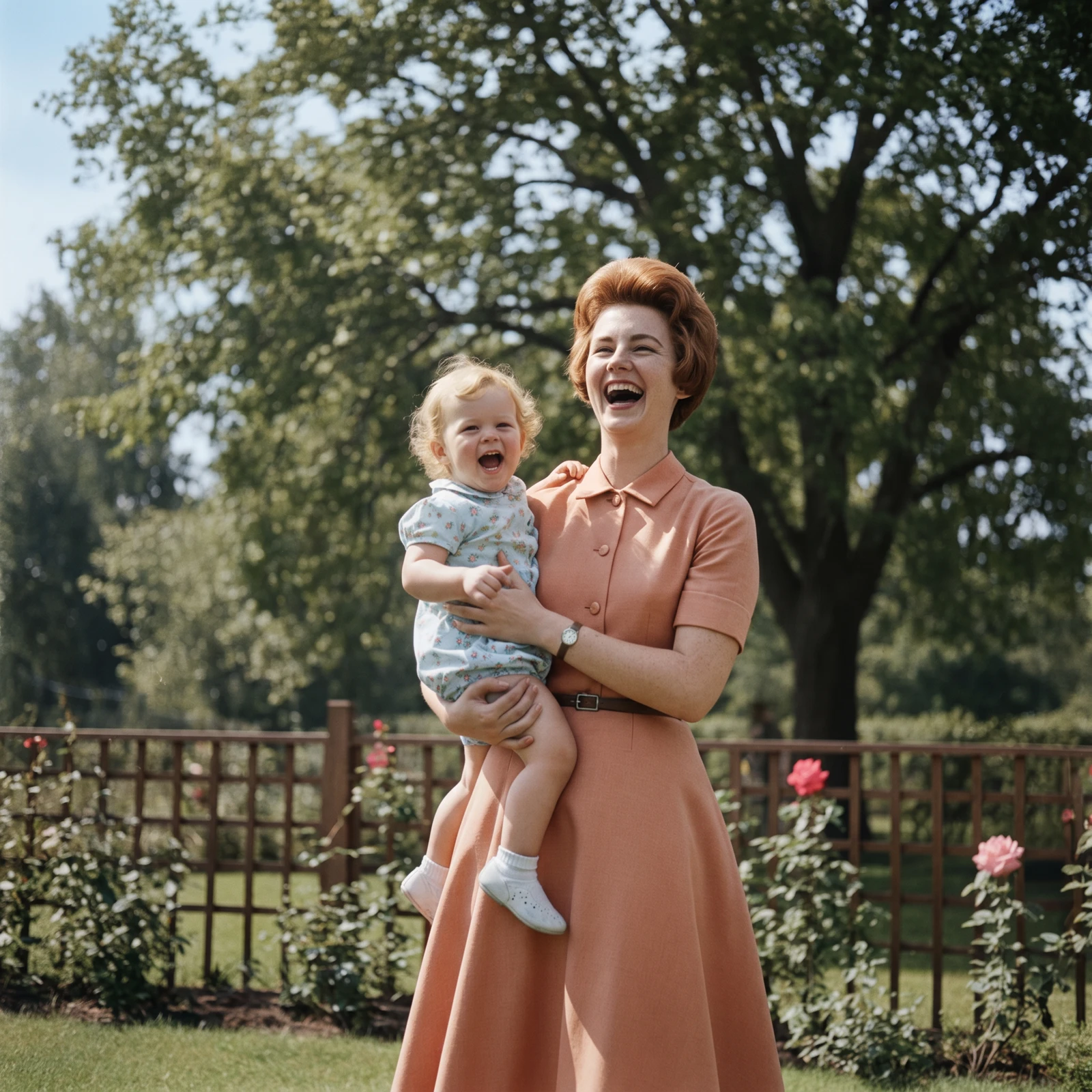
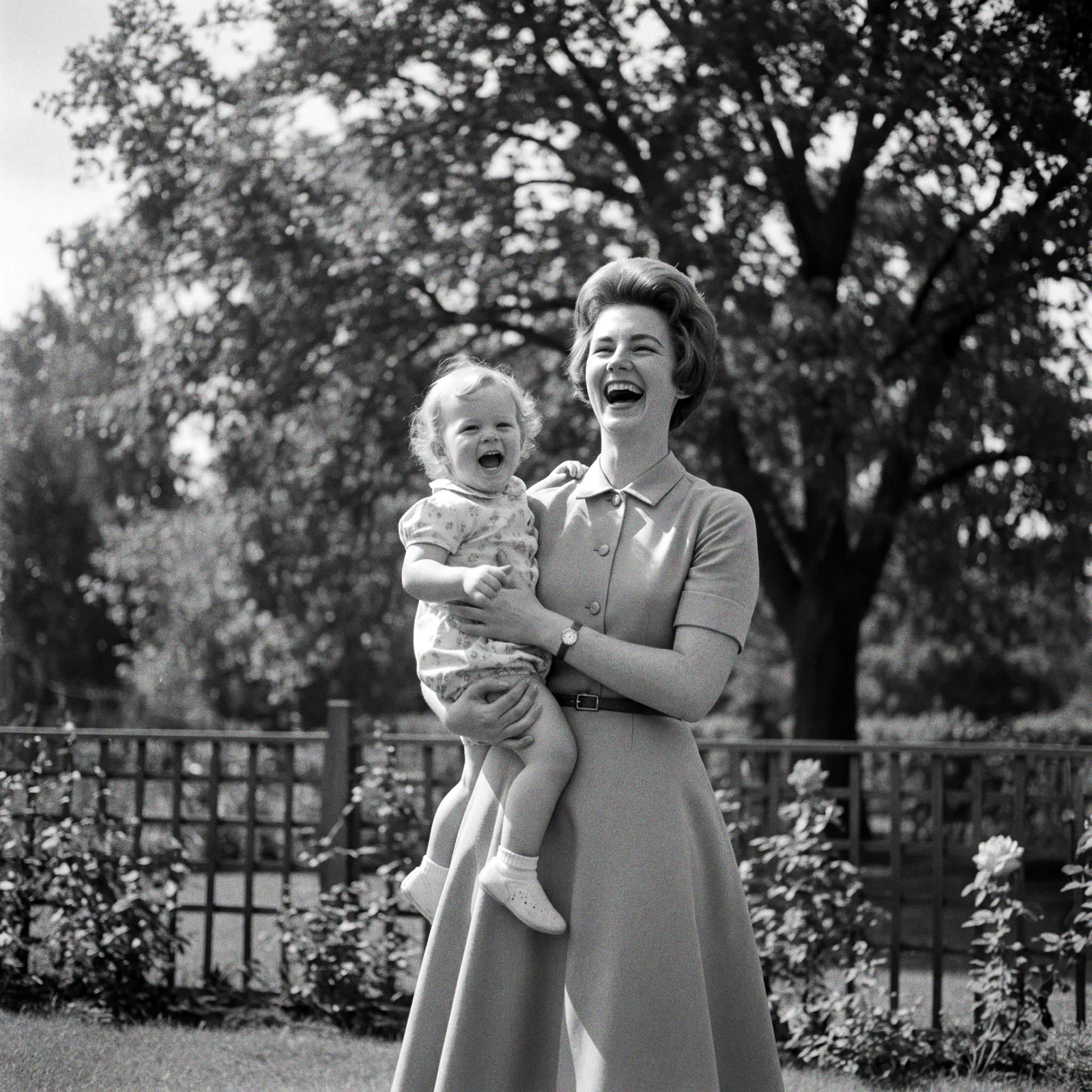
A real Renvyn colorization - drag to compare
✓ 4 free editsSign in with Google or AppleYour original upload is deleted within 24 hours
Choose a scan or picture of the old, monochrome or sepia photo you want to bring to life. A clear, well-lit scan gives the AI the most to work with.
Renvyn reads the whole scene and paints in natural, context-aware color - lifelike skin tones and believable colors for clothing, hair, foliage and sky - while keeping faces recognizable and the lighting and contrast close to the original.
See the before and after side by side, then download your colorized photo. One tap sign in with Google or Apple runs your edit for free.
We would rather be honest than oversell. Here is what AI photo colorizing realistically does - and where it has limits.
Colorizing is a believable, natural interpretation, not a record of the exact original colors - because a black and white photo never stored them. We tell you that up front.
See a grandparent's portrait or a childhood picture in color for the first time, with natural skin tones and true-to-life clothing.
Bring a monochrome wedding photo to life for an anniversary or a gift, dress and flowers in believable color.
Add era-appropriate color to old street scenes, portraits and vintage prints so they feel present and real.
Revive washed-out or sepia-toned photos with a natural, full-color palette instead of an aged cast.
Already repaired a damaged photo with restore? Colorize is the natural next step to bring the cleaned-up image fully to life.
A lot of colorizers wash a photo in flat, oversaturated tints that look fake. Renvyn reads the whole scene and paints context-aware color - the right skin tones, believable fabrics, natural light - so the result looks like a real photograph, not a colored-in one.
Your original black and white file is never overwritten, and colorizing always produces a new image that is private to your account.
Upload your photo, and Renvyn uses AI to add realistic color. You can then download the colorized image. It is free to try. Sign in with Google or Apple with one tap to run your edit.
Yes, you can colorize a photo for free to try it. You sign in once with Google or Apple to run your edit for free, and the Renvyn app gives you more edits.
They are a believable, natural interpretation, not a record of the true original colors - a black and white photo never stored them. Skin tones and everyday colors are realistic, but a specific uniform or product color is a best guess.
Yes - colourise and colorize are the same thing. Renvyn adds natural color to black and white and faded photos either way.
Yes. Your uploads are tied to your account and are not shared or made public. Your original black and white file is never overwritten - colorizing always produces a new image.
Yes. Restore repairs damage and sharpens the photo, and colorize adds natural color. For a damaged black and white photo, restore first, then colorize the cleaned-up result.
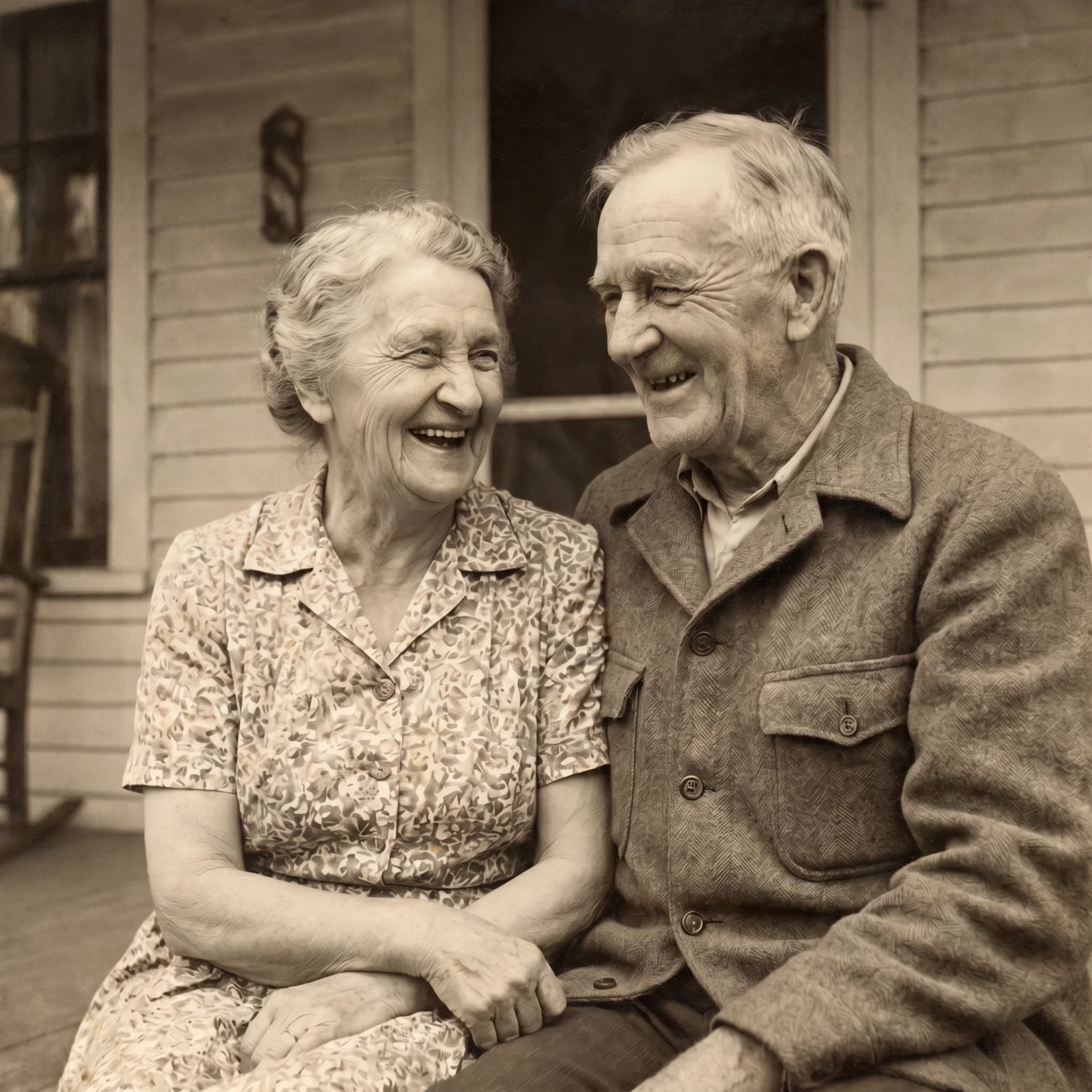
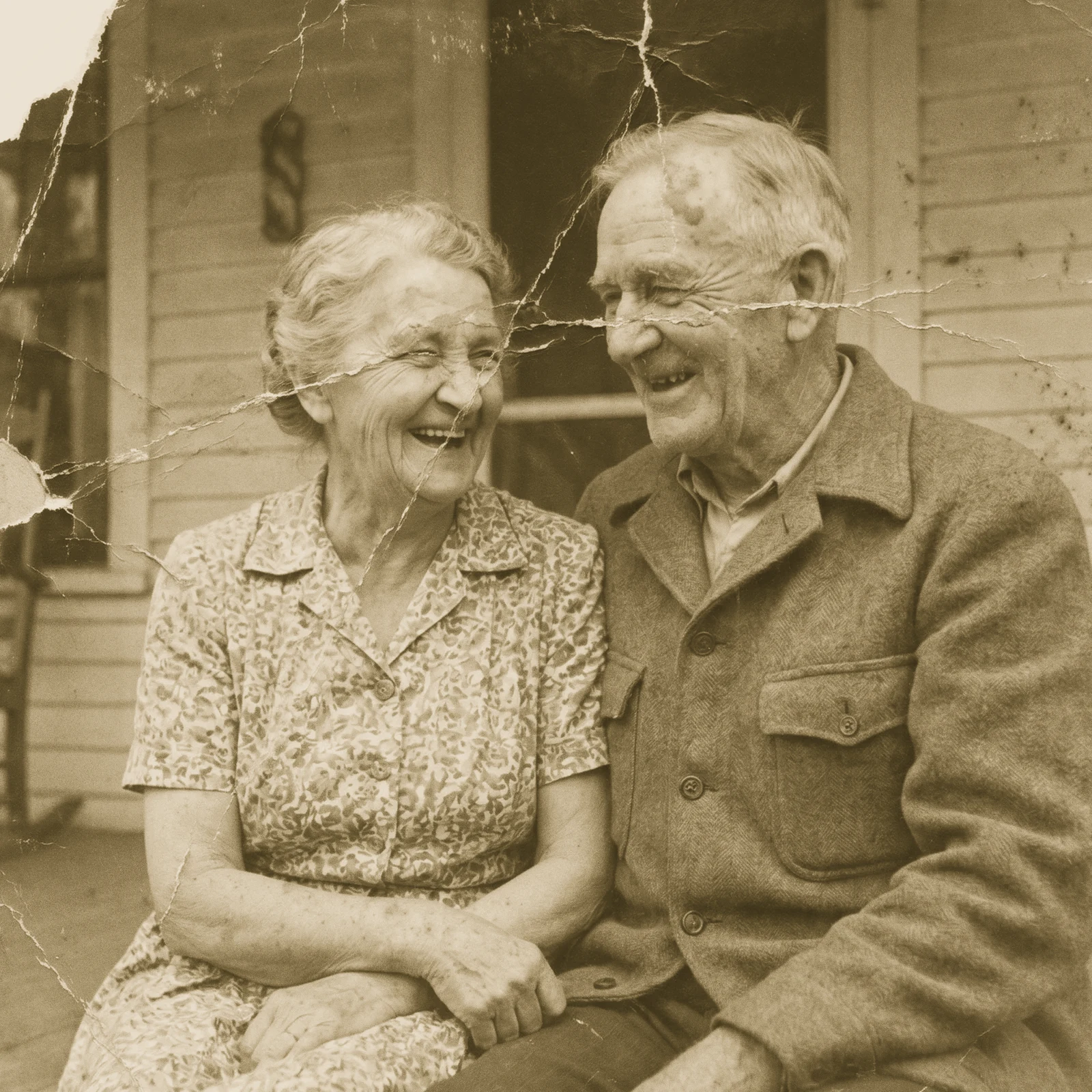 Restore Old PhotosRepair scratches, tears and fading and bring damaged old photos back to life.
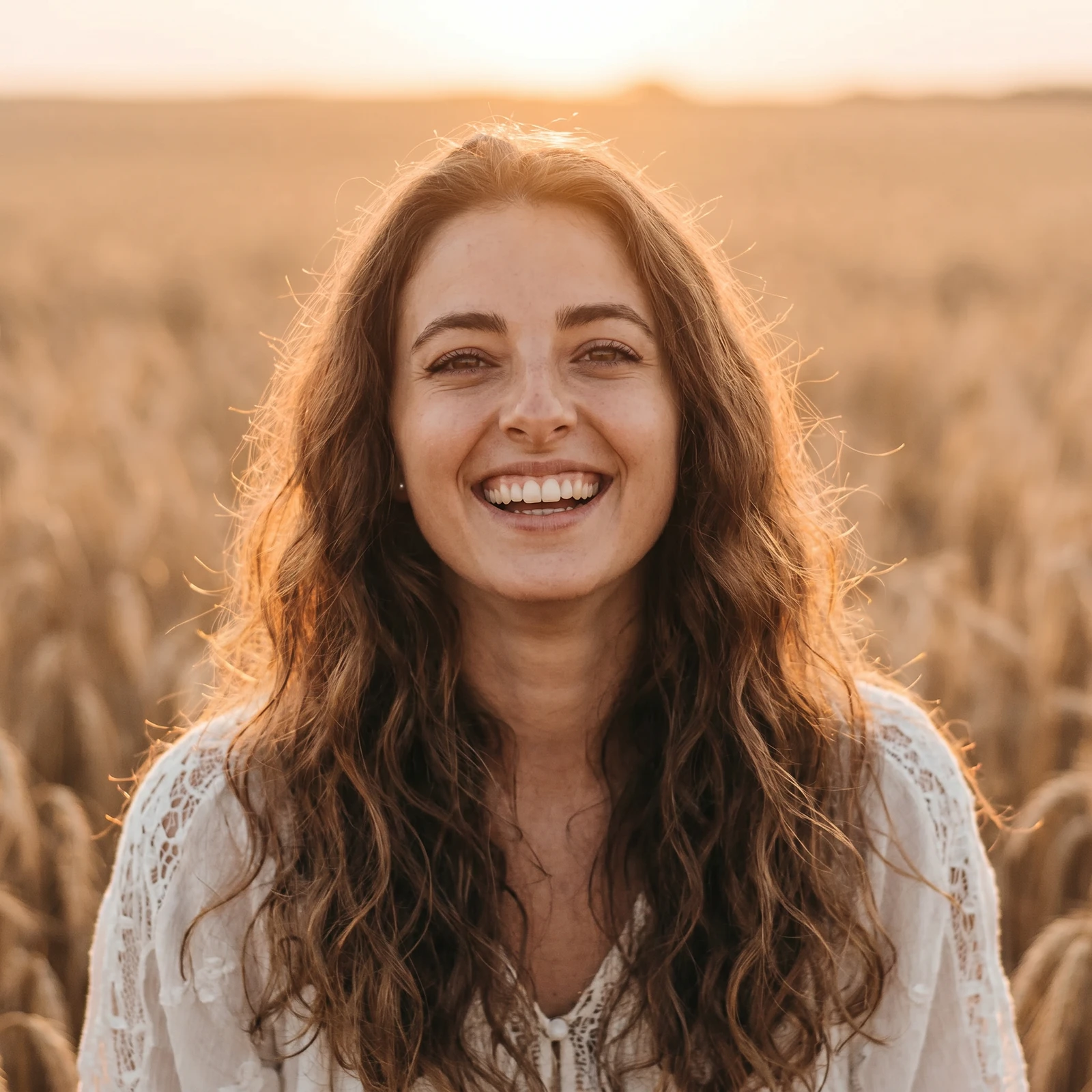
 Image UpscalerSharpen and unblur soft or low-quality photos and recover fine detail.
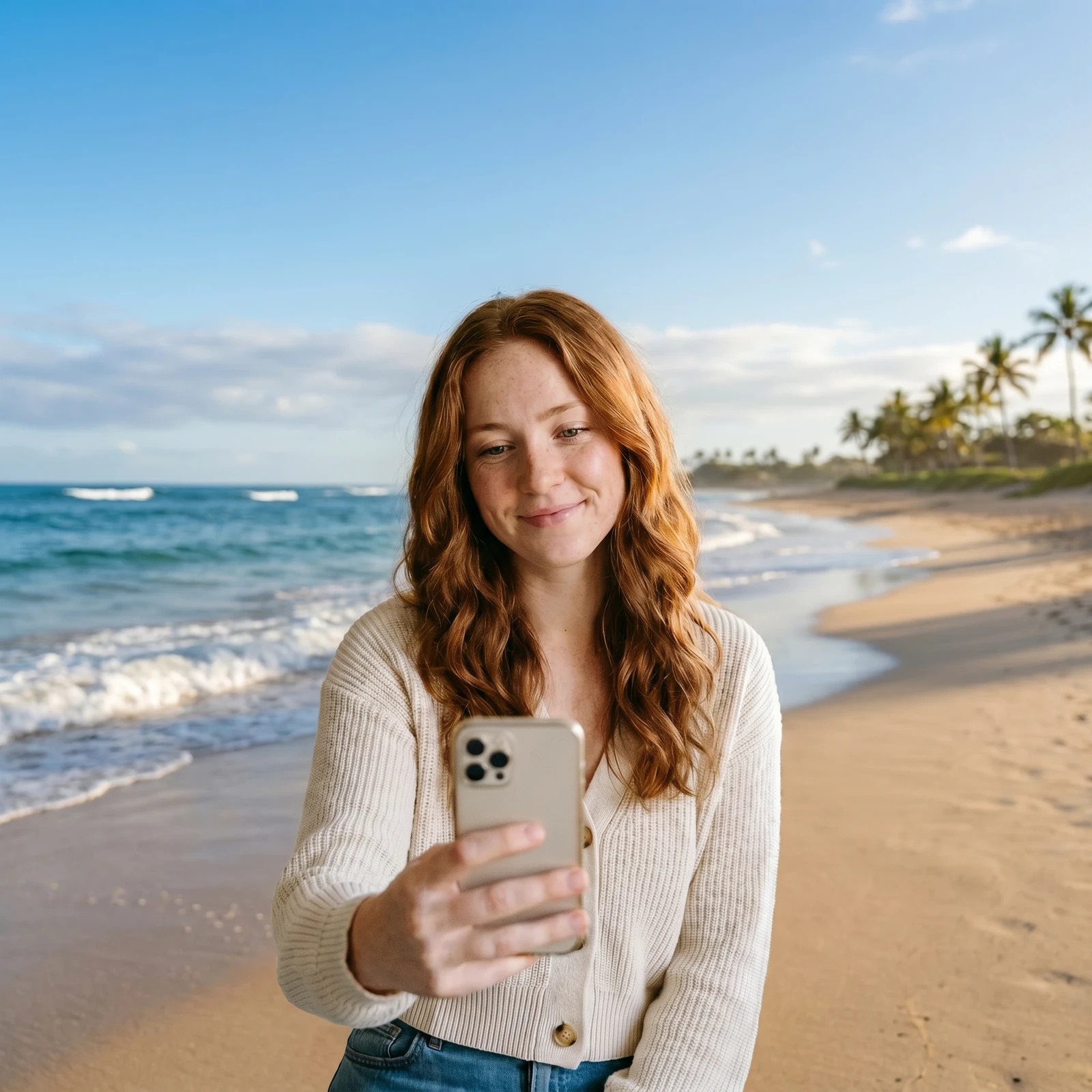
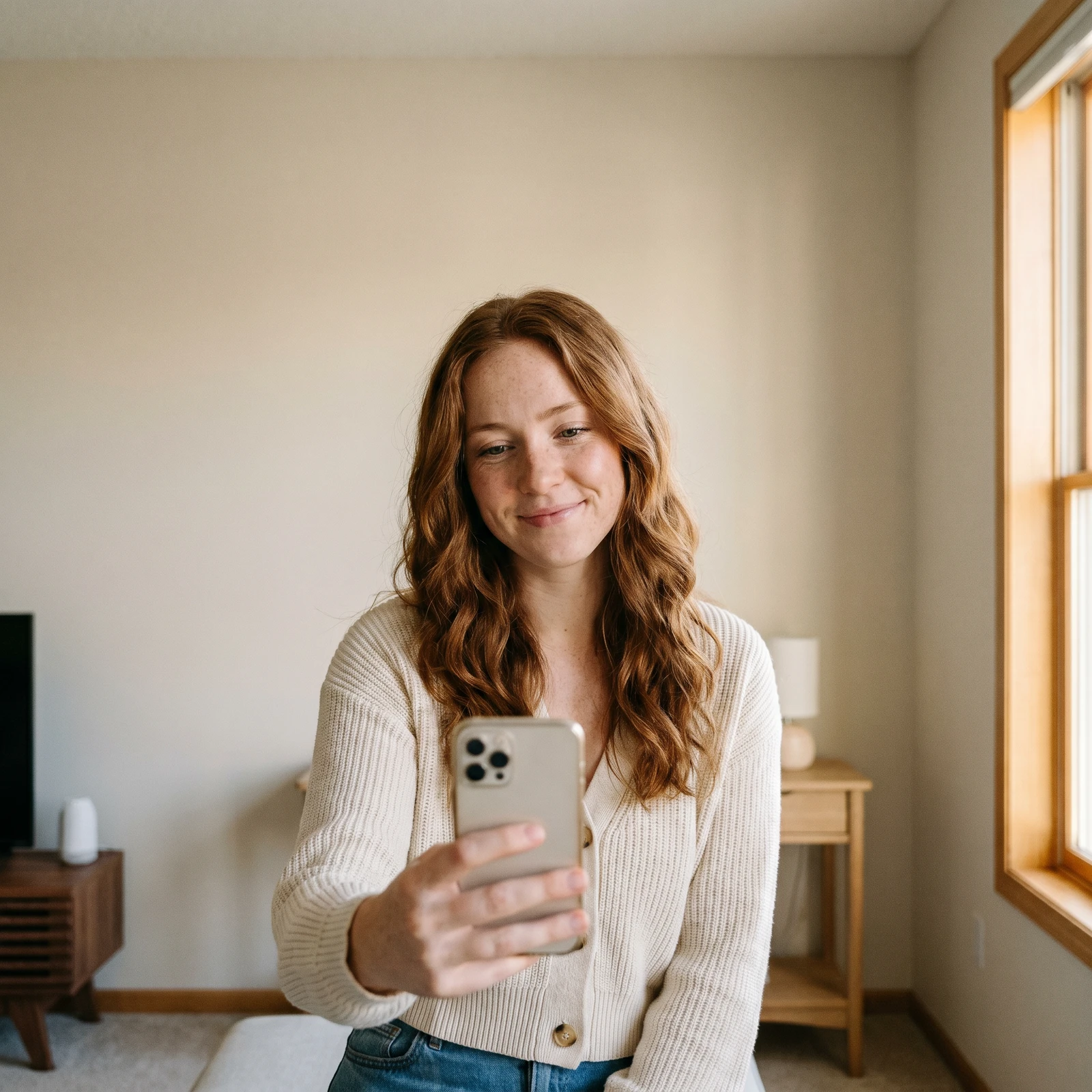 Change BackgroundDrop your subject into a new scene - studio, office, beach or blurred.
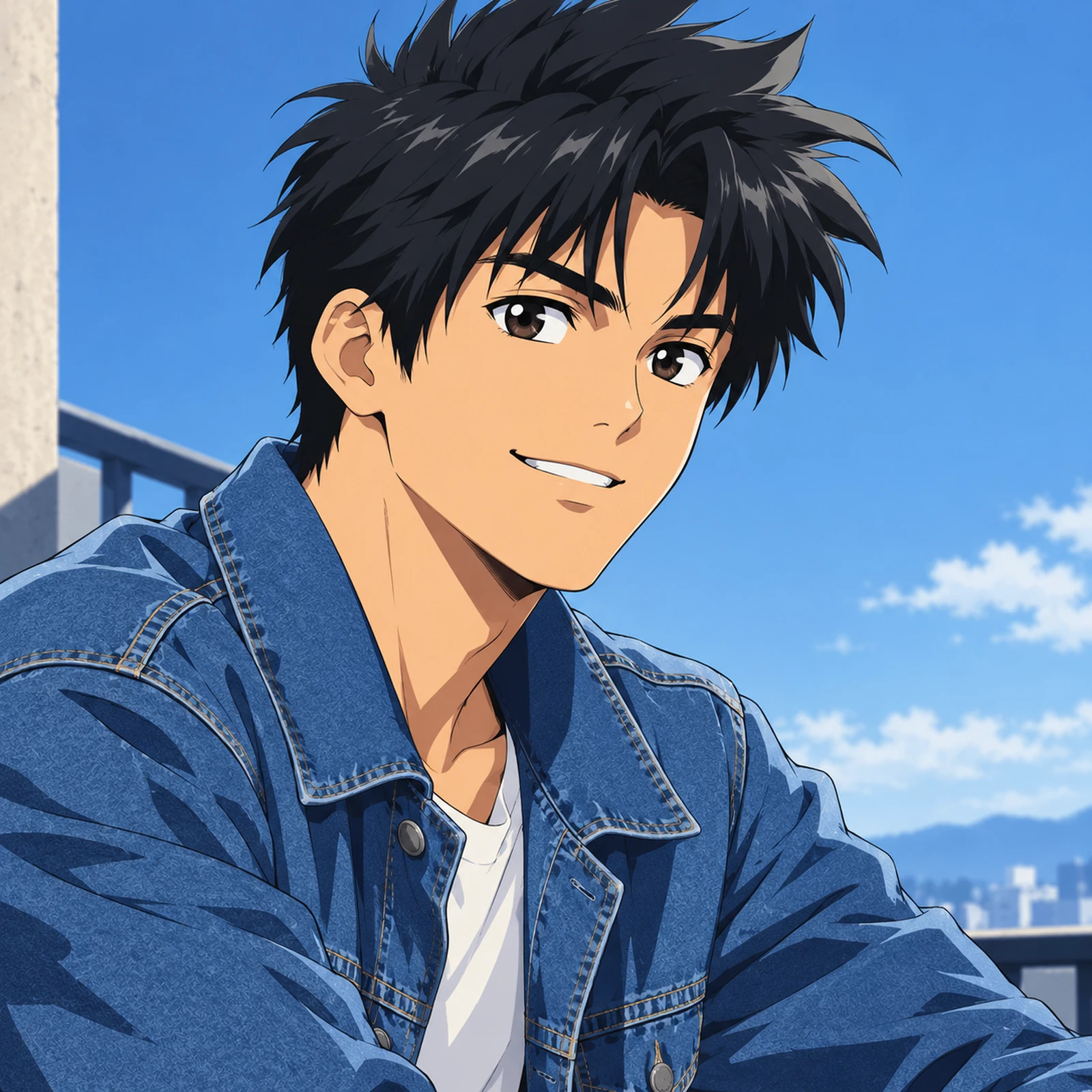
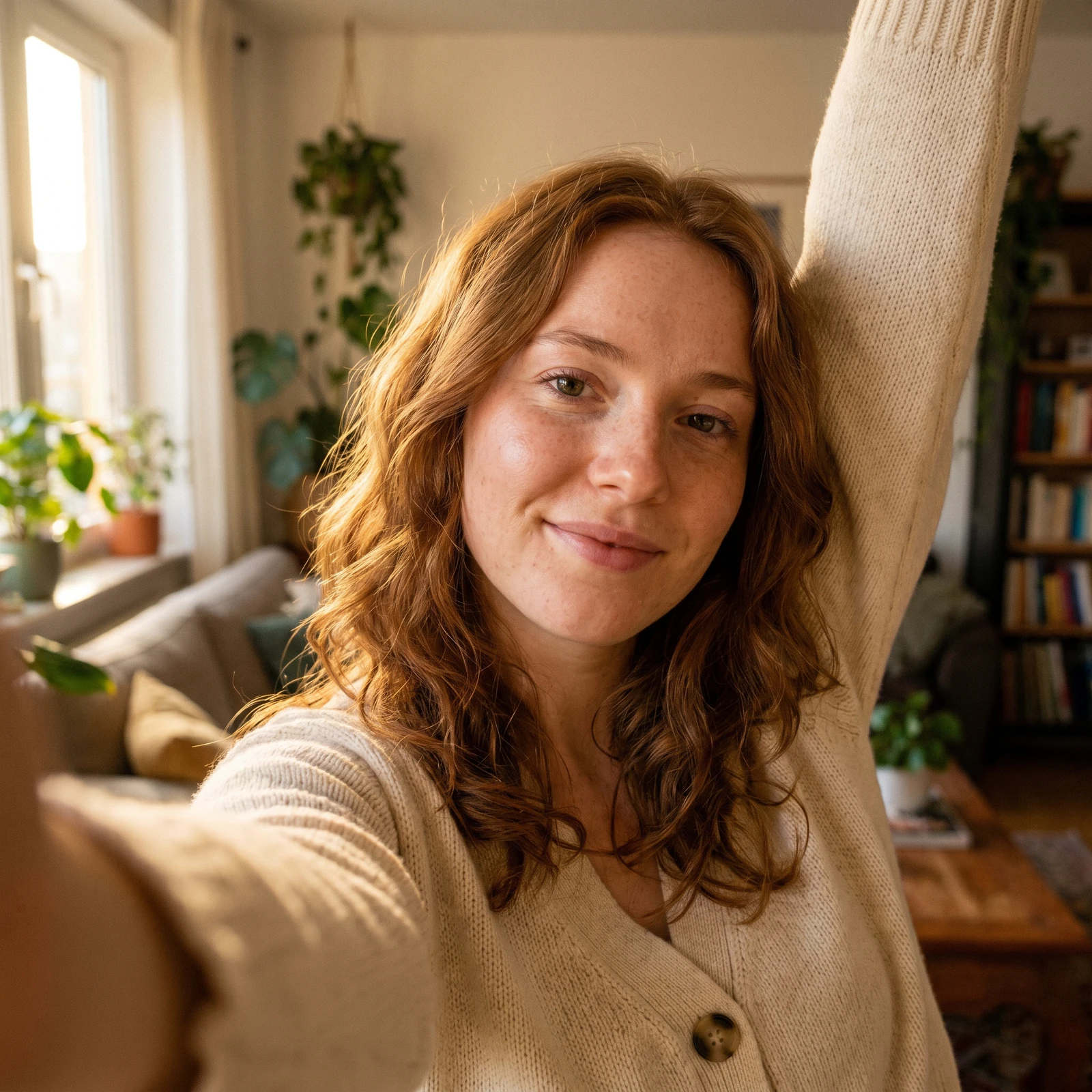 Photo to CartoonTurn your photo into a cartoon - anime, 3D, chibi, watercolor and more.
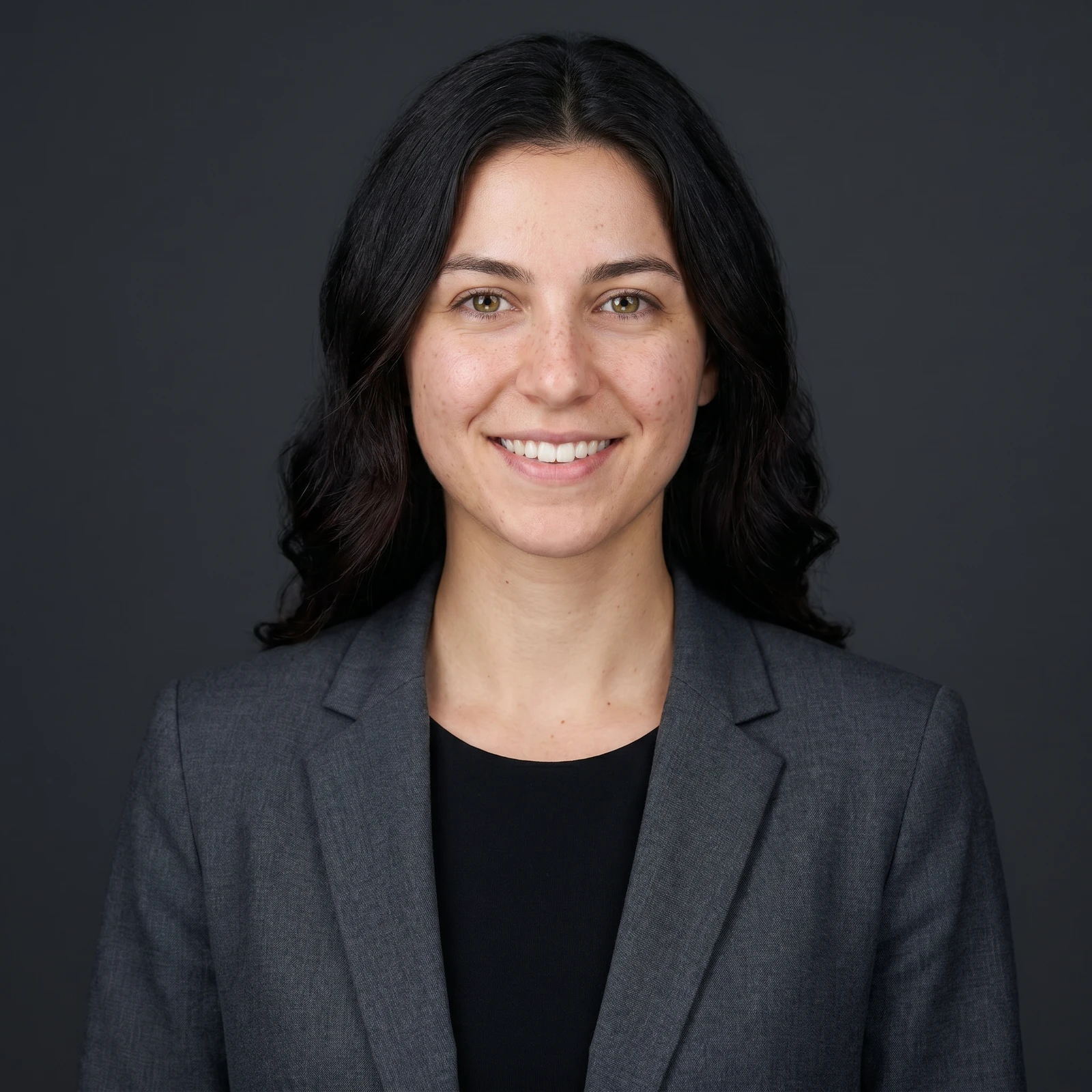
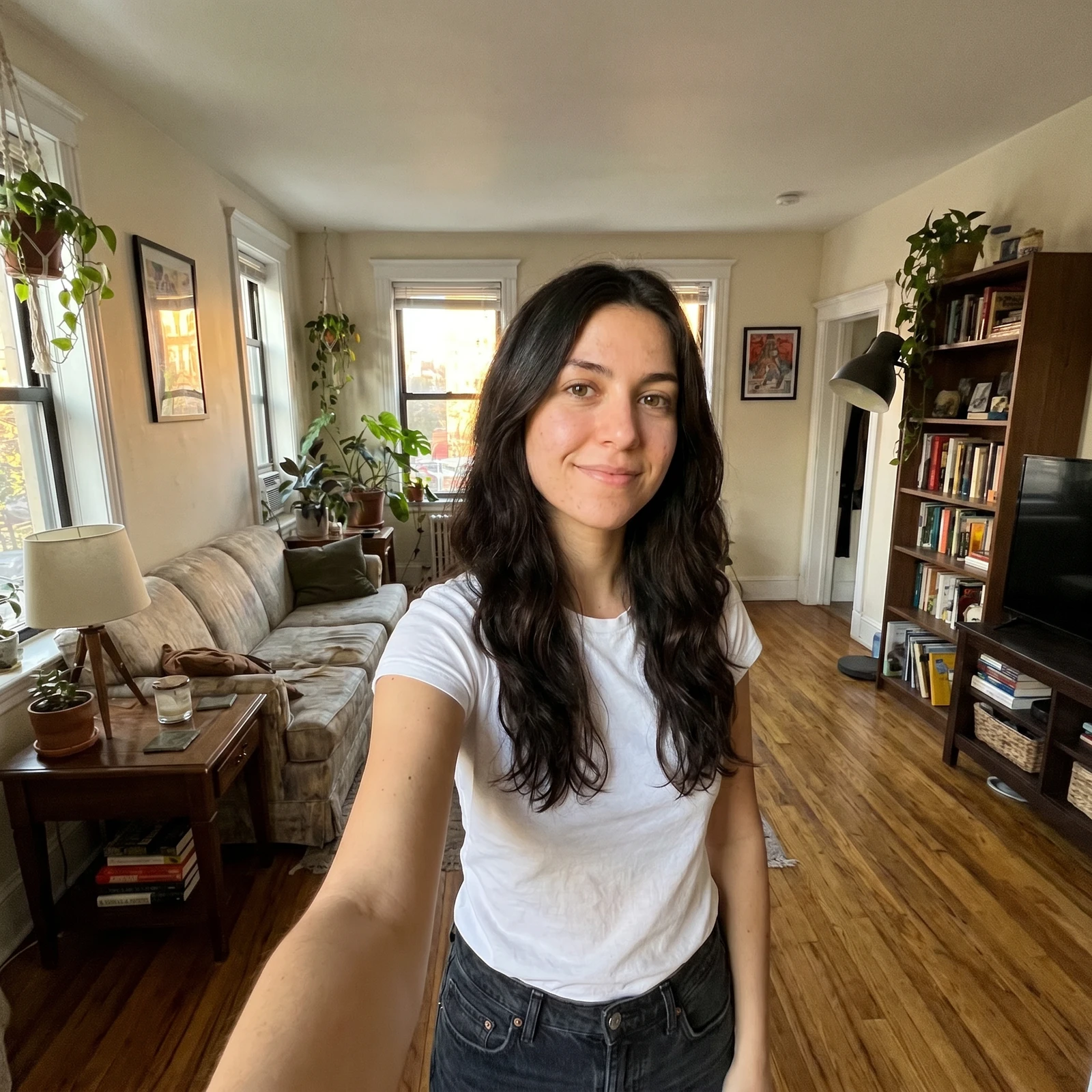 AI Headshot GeneratorTurn a selfie into a professional studio headshot, keeping your face recognizably you.
Colorize photos and use every Renvyn tool on your phone. Renvyn is on iOS and Android.